

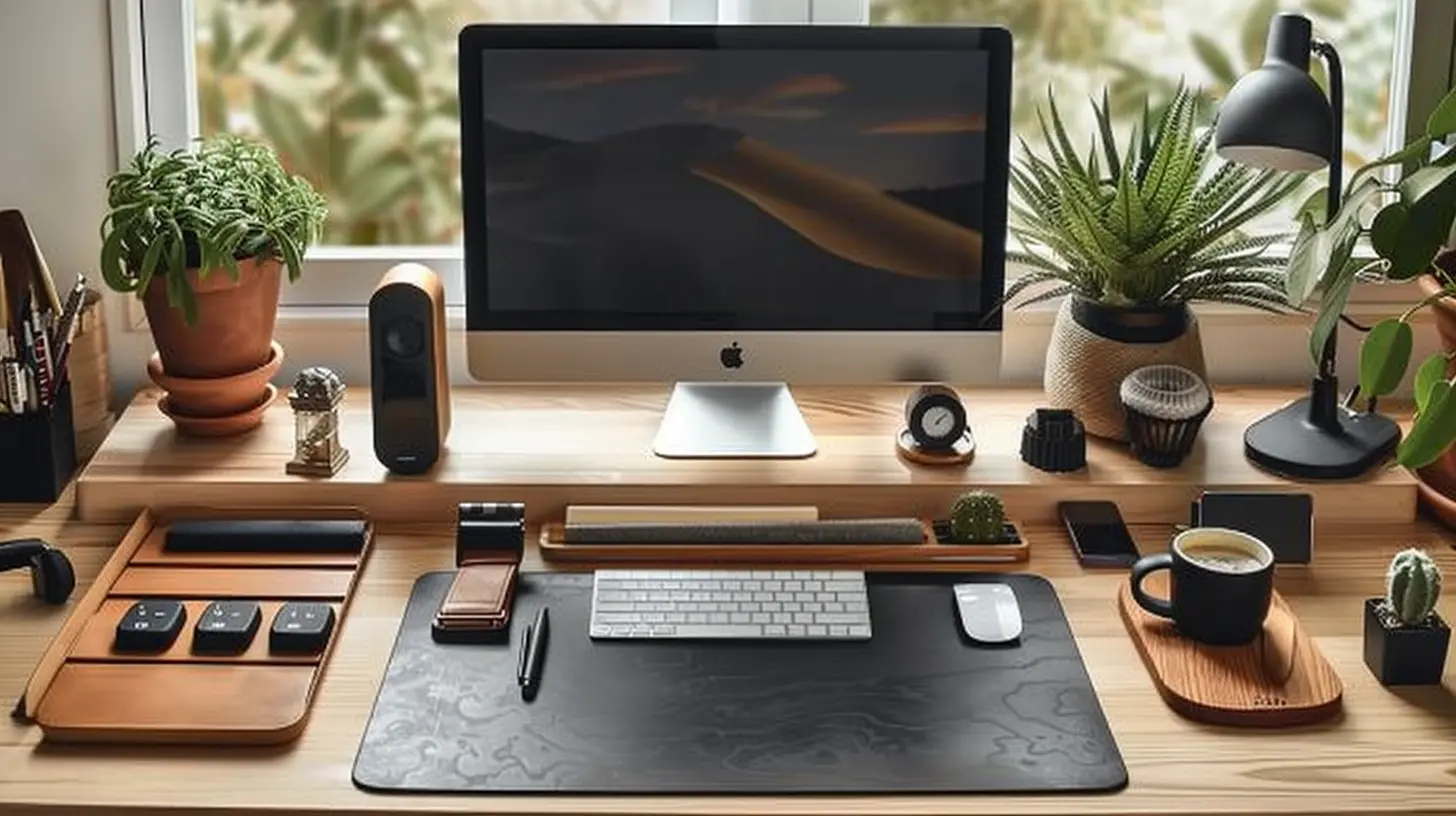
Working from home has gone from being a rare perk to just the way things are for a lot of us. Whether you’re grinding through spreadsheets, writing music reviews at midnight or sitting on your fifth Zoom call of the day, the space you work in genuinely matters. A few smart additions to your setup can make a bigger difference than you’d expect, so here are ten accessories that are well worth the investment.
Table Top organiser
Let’s start with the basics. A tabletop organiser is one of those things that seems almost too simple, but the difference it makes is immediate. You know the feeling of putting a pen down and then spending ten minutes frantically searching for it, lifting papers, checking under your mug, wondering if you’ve somehow lost your mind? Yeah, that ends when everything has a designated spot. Pens, tape, scissors, a stapler, sticky notes and whatever else clutters your desk all get a home, and suddenly your workspace feels like somewhere you actually want to sit down in.
Standing Desk
Now this one is not going to be for everyone, and that’s fine. But if you spend the bulk of your day sitting down, hunched forward, neck craned towards a screen, the long-term damage to your spine is very real. A height-adjustable standing desk lets you alternate between sitting and standing throughout the day, which keeps your muscles working and takes the pressure off your lower back. You don’t have to stand all day, that would actually be just as bad. Even switching positions every hour or so makes a genuine difference, and once you’re used to it, going back to a fixed desk feels oddly restrictive.
Ergonomic Chair
If you’ve decided that a standing desk isn’t quite right for you, then the single best thing you can do for your physical wellbeing is invest in a decent ergonomic chair. Most of us massively underestimate how many hours a day we actually spend sitting, and a standard cheap office chair does absolutely nothing to support the natural curve of your spine. A proper ergonomic chair offers lumbar support, adjustable armrests, seat depth control and enough customisation to suit your specific body shape. It’s not a glamorous purchase, and yes, the good ones cost money, but your back will thank you in about five years when you’re not wrecked.
Wrist and Desk Pad
Repetitive Strain Injury, or RSI, is far more common among desk workers than most people realise. Hours of typing, clicking and scrolling puts consistent strain on your wrists and forearms, and the discomfort can creep up on you slowly before becoming a real problem. A wrist rest paired with a wide desk pad addresses this in a straightforward way. Your wrists stay in a more neutral position while you type, and the desk pad itself protects your surface while also giving your mouse a proper, consistent area to move across. A small thing that does a lot of quiet work.
Smart Speaker
A smart speaker earns its place in any home office. On a basic level it lets you fill the room with music, which for a lot of people genuinely improves focus and mood throughout the day. Beyond that, the hands-free control is surprisingly useful. You can set timers, check the weather, manage reminders or ask quick questions without breaking your train of thought. Some people also use theirs to guide quick mindfulness breaks, a ten-minute guided meditation or a breathing session between tasks, which sounds a bit zen but actually works rather well for clearing your head mid-afternoon.
Extra Screen
If your current setup is just a single laptop screen, you are probably leaving a significant amount of productivity on the table without even realising it. An extra monitor gives you genuine room to work. You can have your main document open on one screen and reference material, email or a browser tab on the other, rather than endlessly alt-tabbing between windows like some sort of digital juggler. Whether you are researching industry trends, comparing software options, or reviewing information such as sweepstakes casino bonus codes for content, marketing, or compliance purposes, having the extra screen space makes it much easier to stay organised and efficient.
Noise-Cancelling Headphones
Whether you live with family, housemates or are simply adjacent to a noisy street, unwanted sound is one of the most consistent productivity killers in a home office. A good pair of noise-cancelling headphones shuts a lot of that out without you having to ask anyone to be quiet for the fifteenth time. They also signal to other people in the house that you’re in work mode, which is a boundary that’s genuinely hard to communicate otherwise. And obviously for anyone with even a passing interest in music, the audio quality is a bonus on top.
Desk Lamp with Adjustable Colour Temperature
Lighting is one of those things people tend to overlook until their eyes start burning at 4pm. A decent desk lamp that lets you adjust the colour temperature is a small but meaningful upgrade. Cooler, brighter light helps with focus during the day, while warmer tones in the evening are easier on your eyes and keep you from feeling wired when you’re trying to wind down after work. If your home office doesn’t get much natural light, this becomes even more important.
Cable Management Kit
Nobody talks about cable management until their desk looks like spaghetti and they’ve knocked their external hard drive off the edge for the third time. A simple cable management kit, clips, velcro ties, a cable tray under the desk, restores a kind of visual calm to your workspace that is quietly very satisfying. Tidy cables mean a tidier desk, and a tidier desk genuinely supports a tidier headspace.
Webcam
The built-in camera on most laptops is, frankly, embarrassing. If you’re on video calls regularly, a proper external webcam makes you look more professional and more present, which matters whether you’re in a client meeting or a team catch-up. Combined with decent lighting, even a mid-range webcam is a noticeable upgrade that takes about five minutes to set up. It’s one of those accessories that pays for itself in first impressions.